From plan to memory.
Here is exactly how you create, manage, and experience events in Textout:).
Public Events
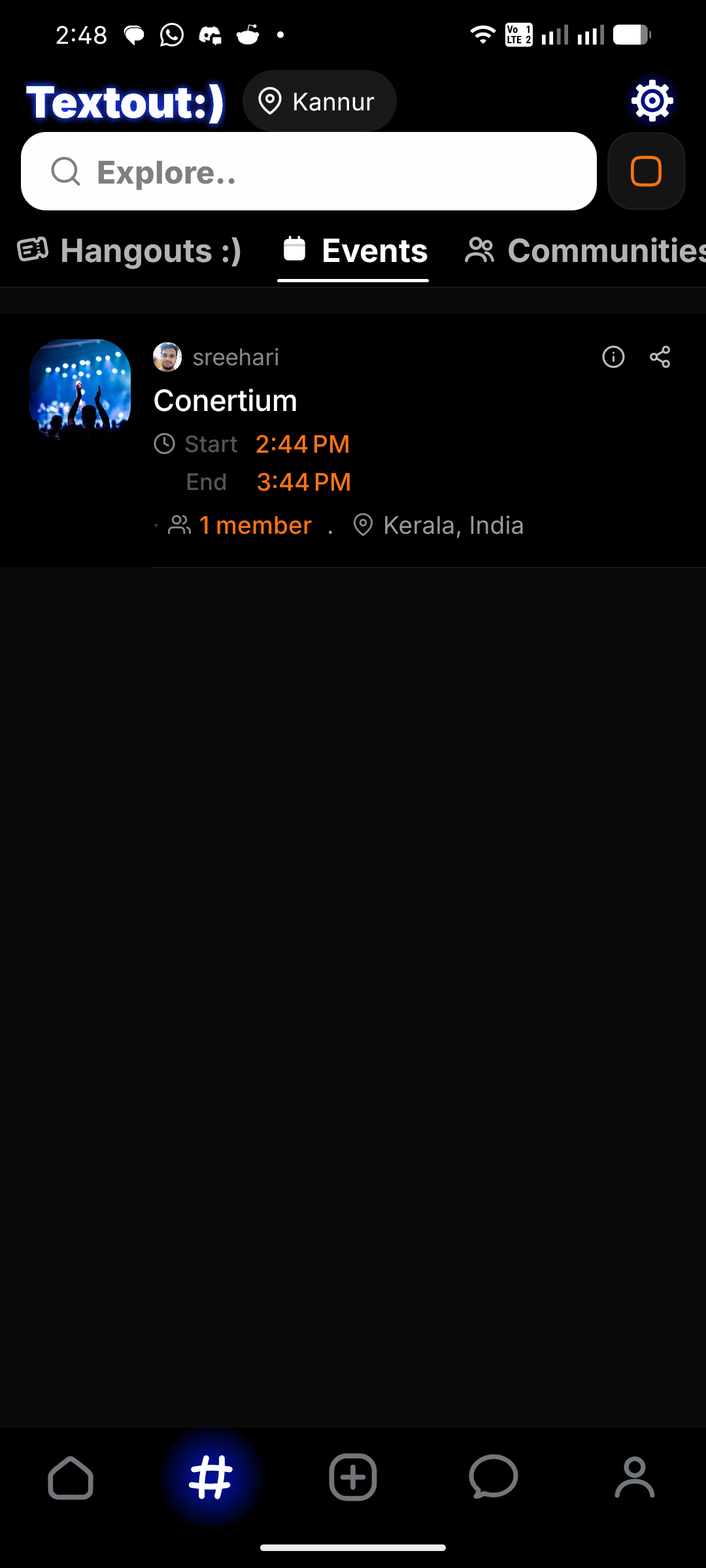
Public events can be seen by anyone in Textout. However, only attendees can post in it, and that too after the admin allows them to post.
Private Events
Private events are seen only by the attendees. It requires a special code to join by others, unless they receive an invitation from the admin through Textout.
1. Create the Event
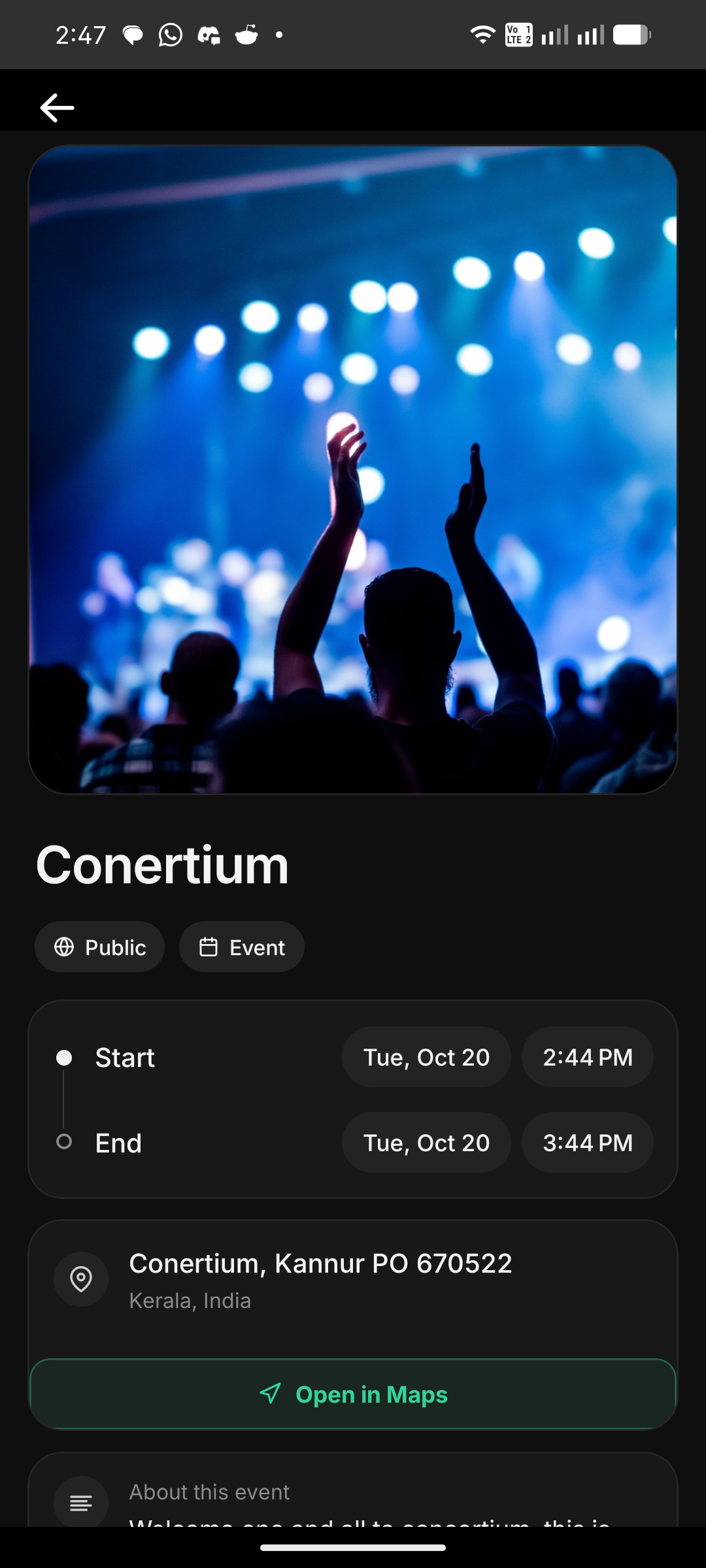
Name your event, pick a cover photo, set the start and end times, and pin the location. It's as easy as creating a group.
2. Invite Your People (Optional)
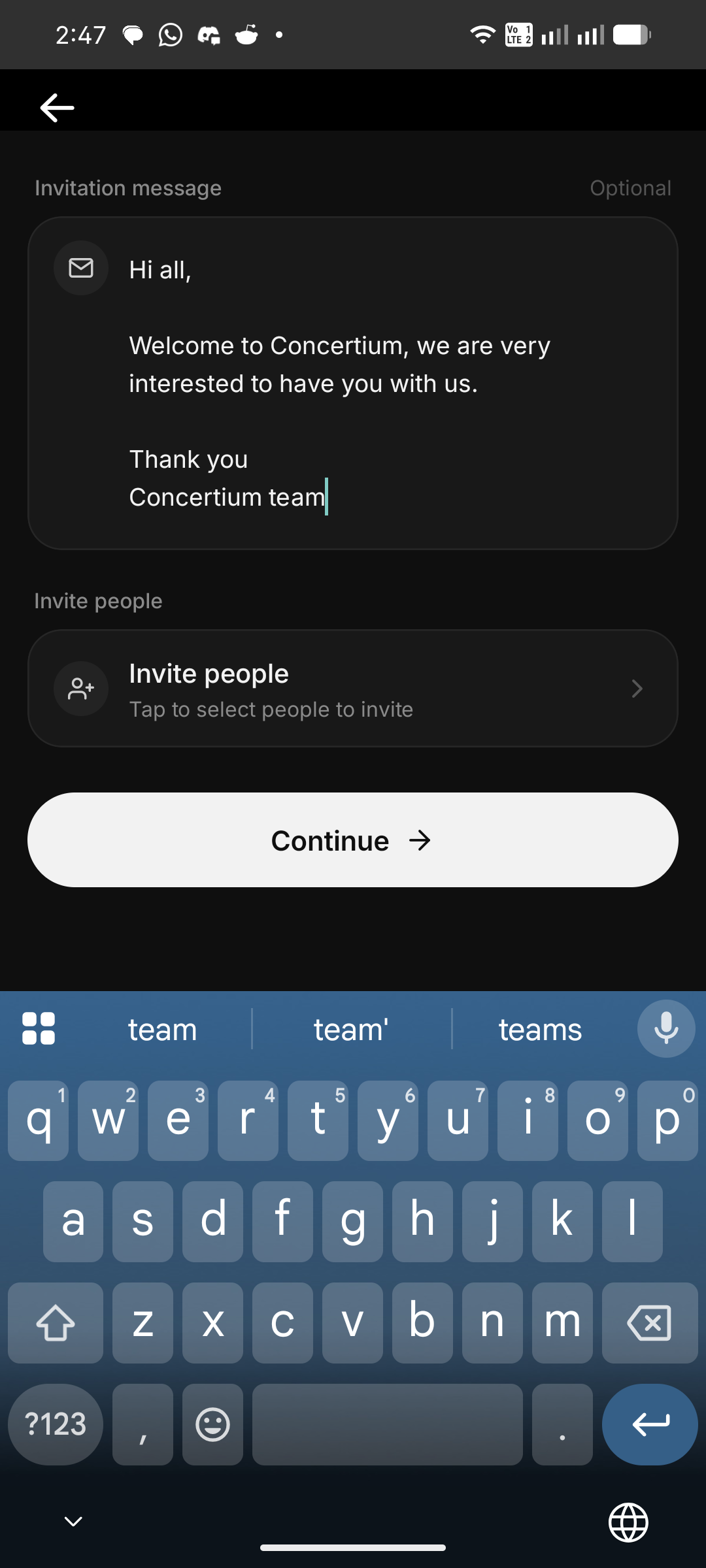
Choose exactly who to invite from your friends list. Everyone gets their own personal invite.
3. Event is Live
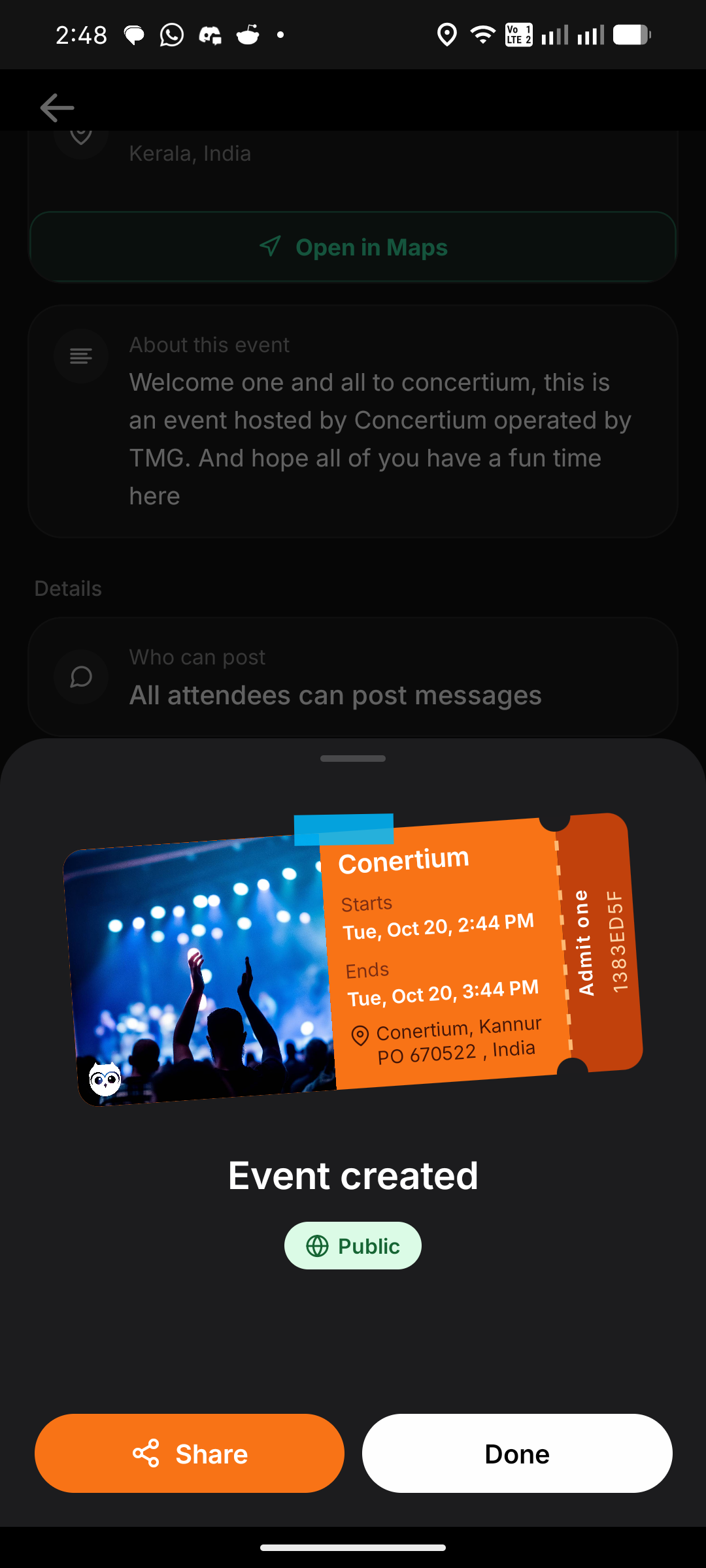
Once the event is created, you get a beautiful shareable ticket to send out or post anywhere.
4. Experience it Together
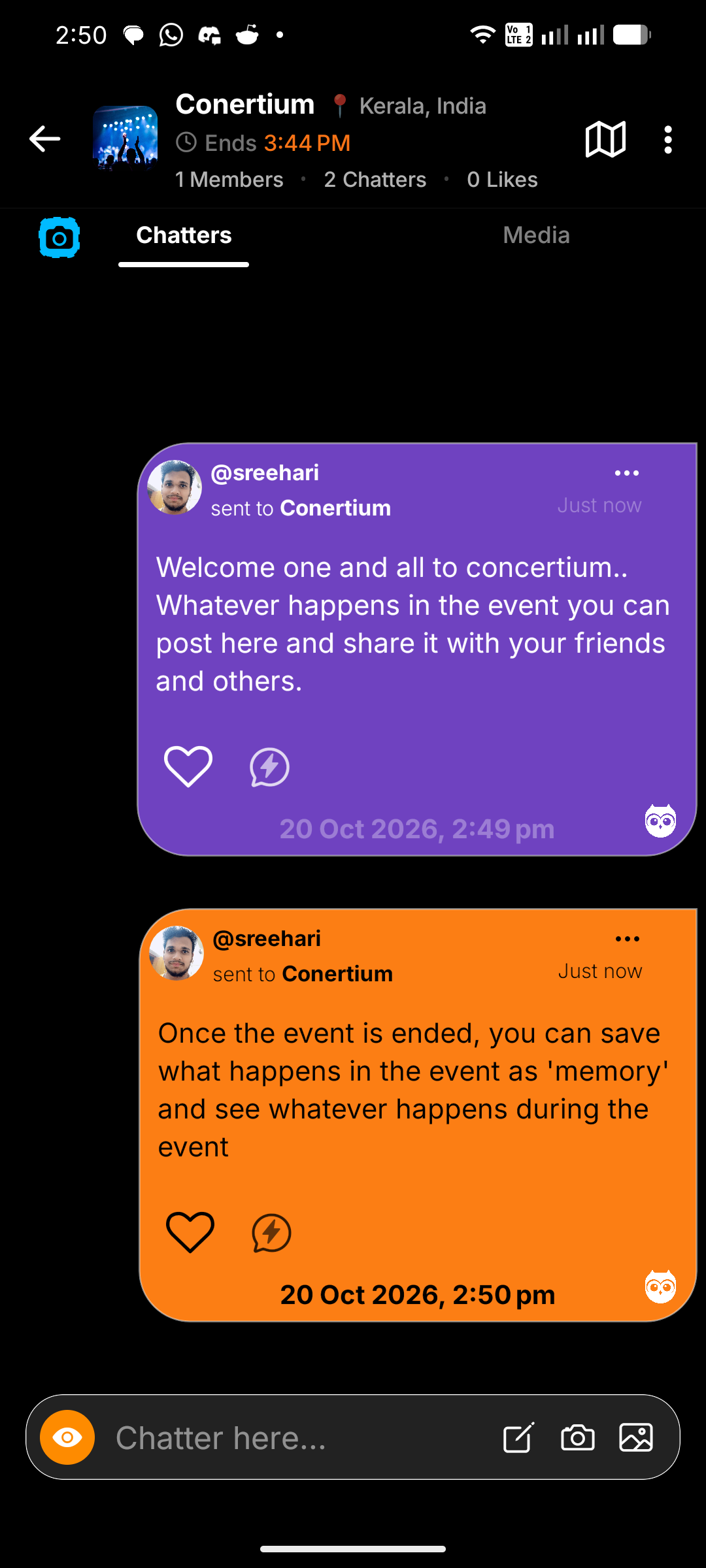
The attendees can post what they do in the event. If it's a public event, the posts are visible to all, and others can relate to what everyone is doing in the event, getting a realtime experience of how people are enjoying it. The admin who created the event can allow all to post or none to post.
5. Manage Your Event
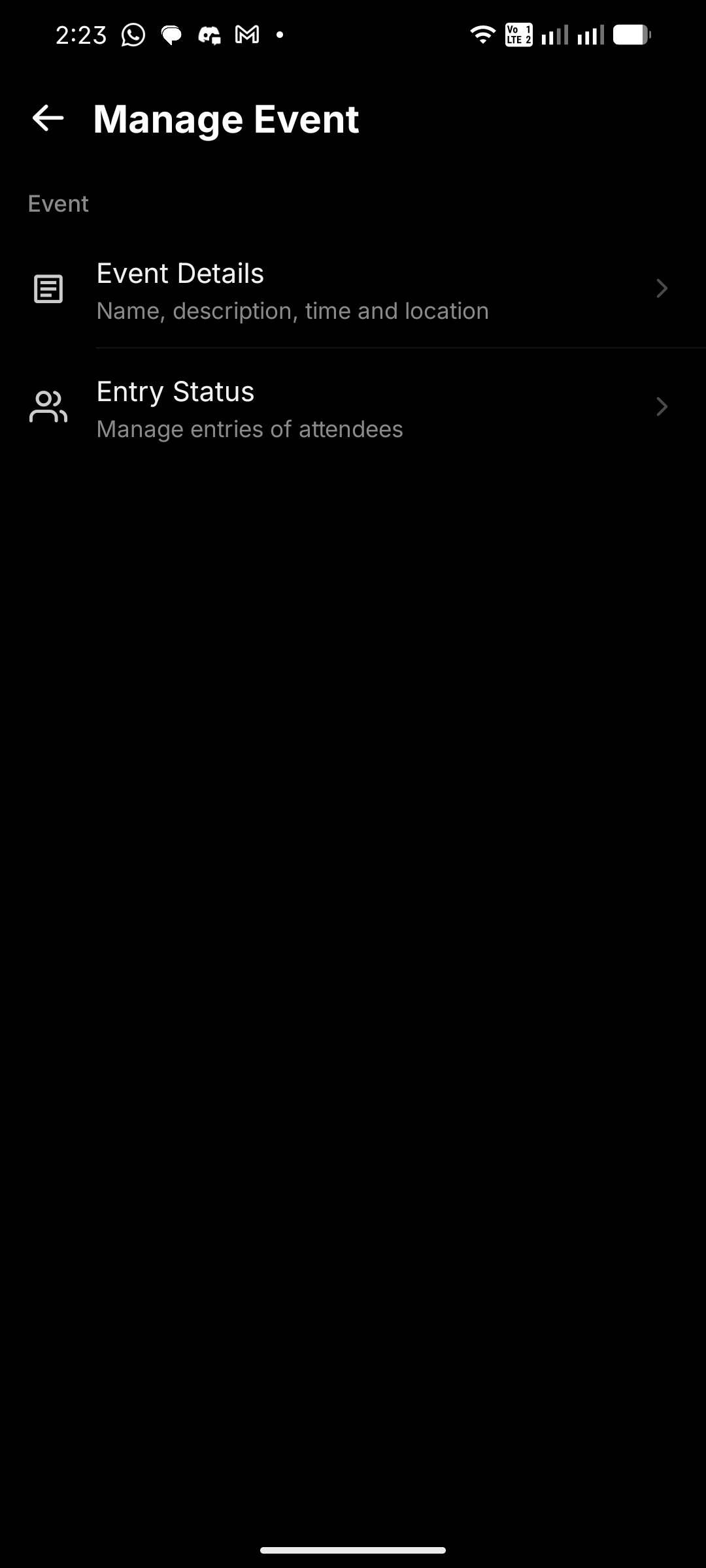
Keep everything organized in one place. Edit the event details or manage the entry status of attendees.
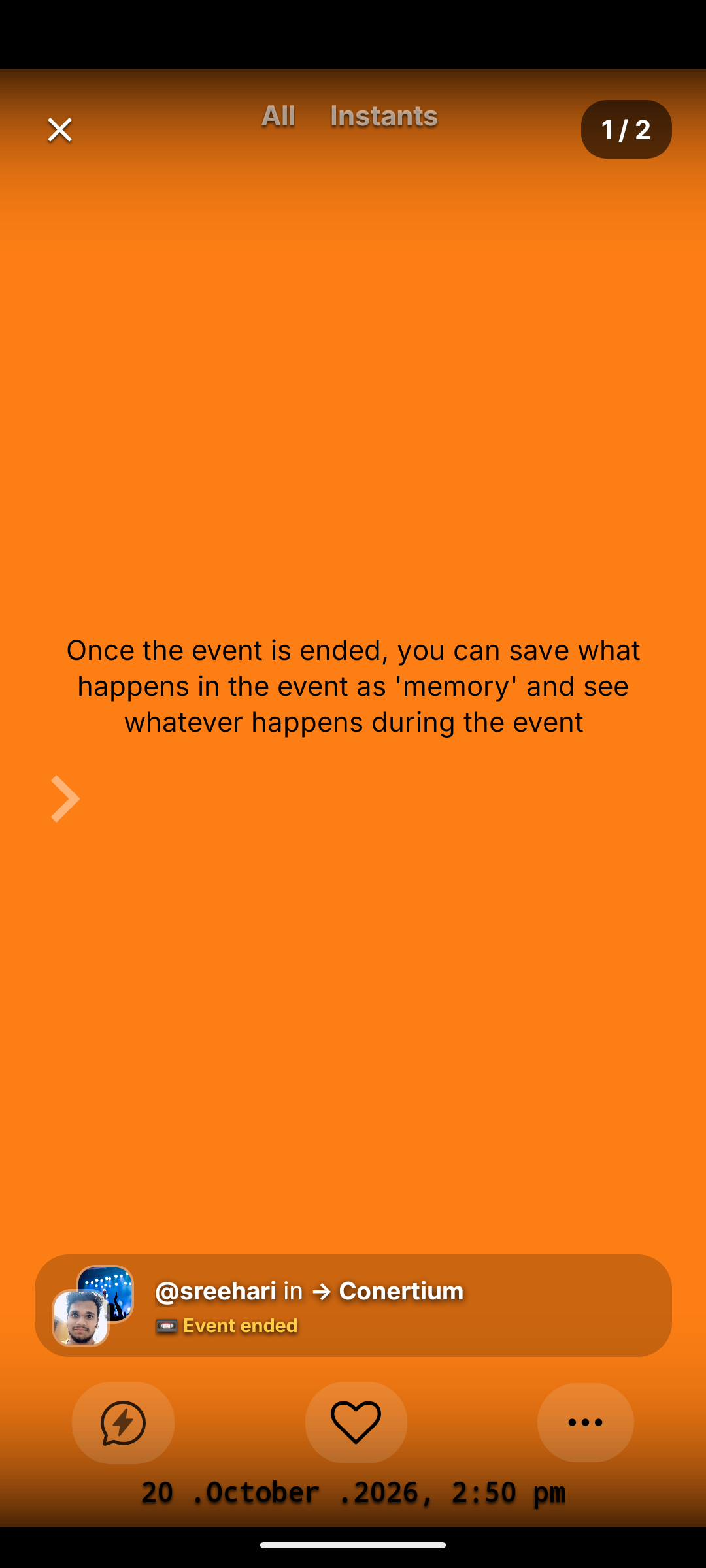
6. Save as Memories
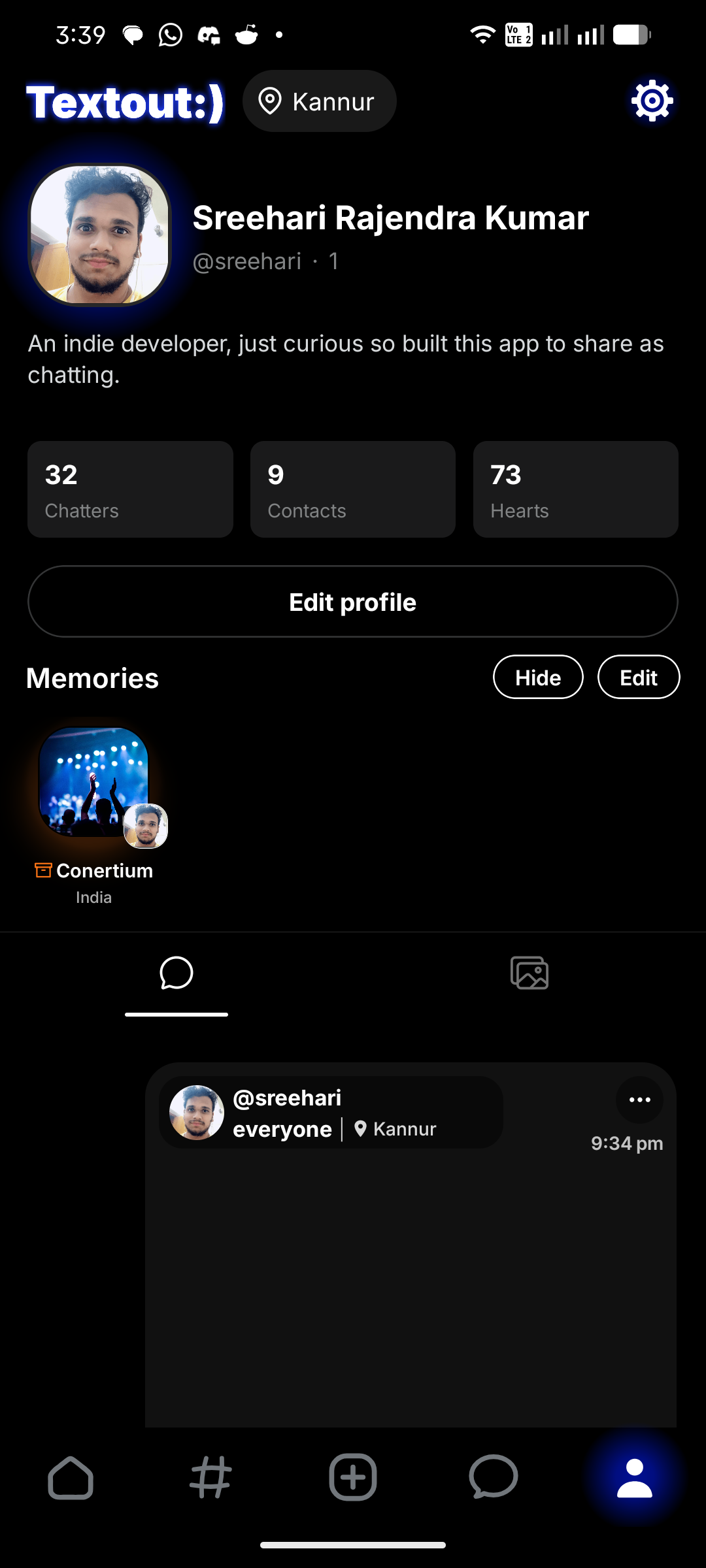
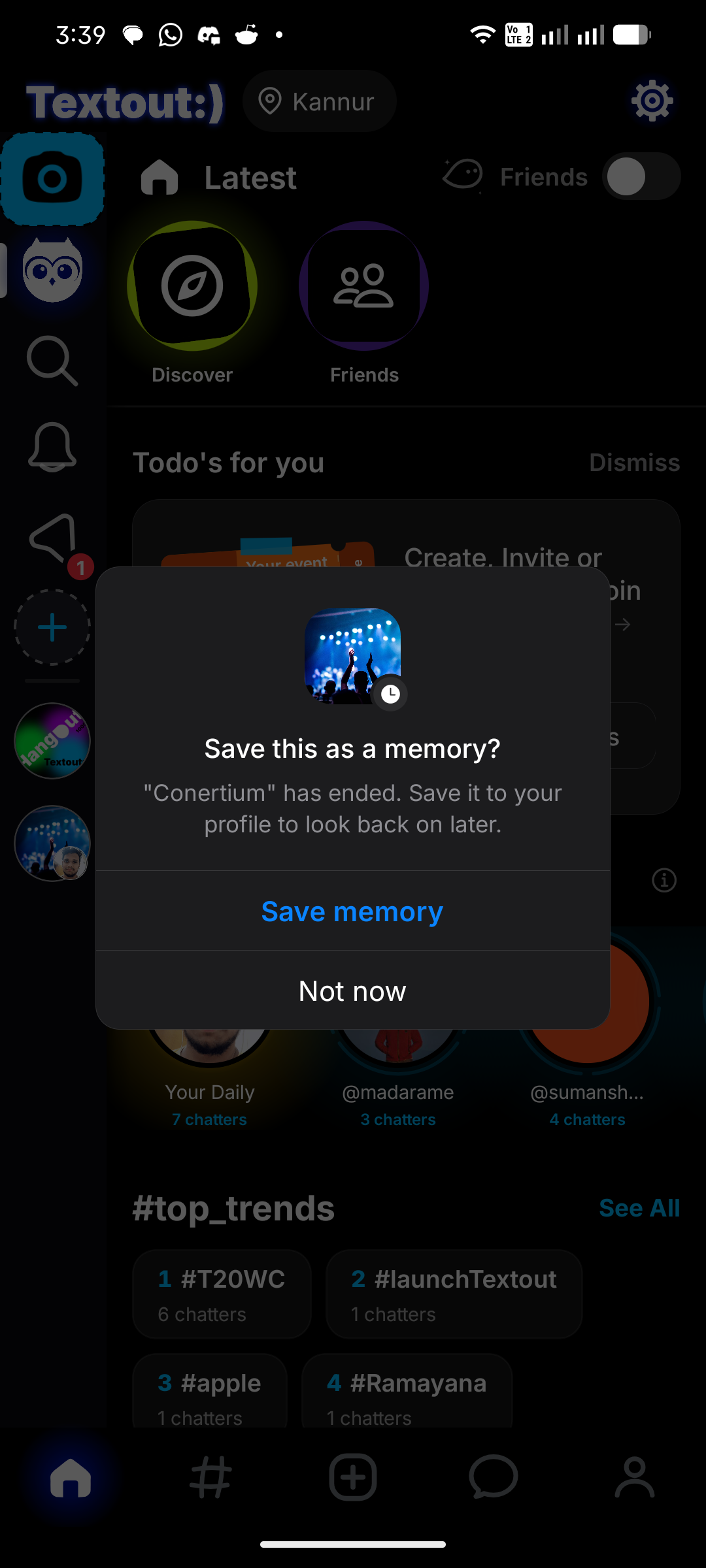
All attendees can save the event as a Memory once it ends. Relive the experience anytime in the future by looking back at everything that happened.